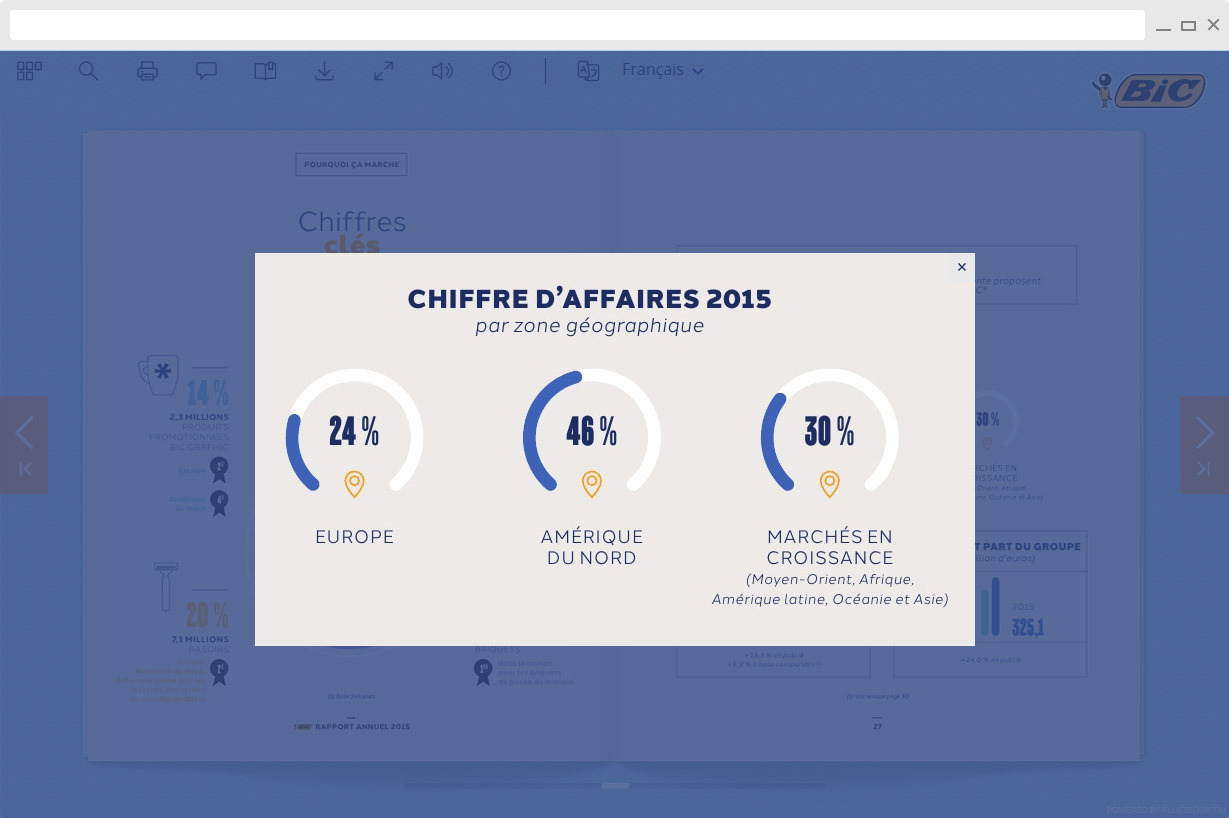
Classic zoom areas
Highlight a particular area of the page, e.g. a graphic, an image or a paragraph of text, and the area will magnify with a simple click.
- Highlight essential content
- Optimal reading comfort




In addition to the zoom feature integrated by default (by clicking, you zoom into the whole page), we also offer zoom areas. These interactive zones enable a particular area of content on a page to be highlighted: an image, a graphic, a paragraph etc., giving them optimal visibility.
Highlight a particular area of the page, e.g. a graphic, an image or a paragraph of text, and the area will magnify with a simple click.
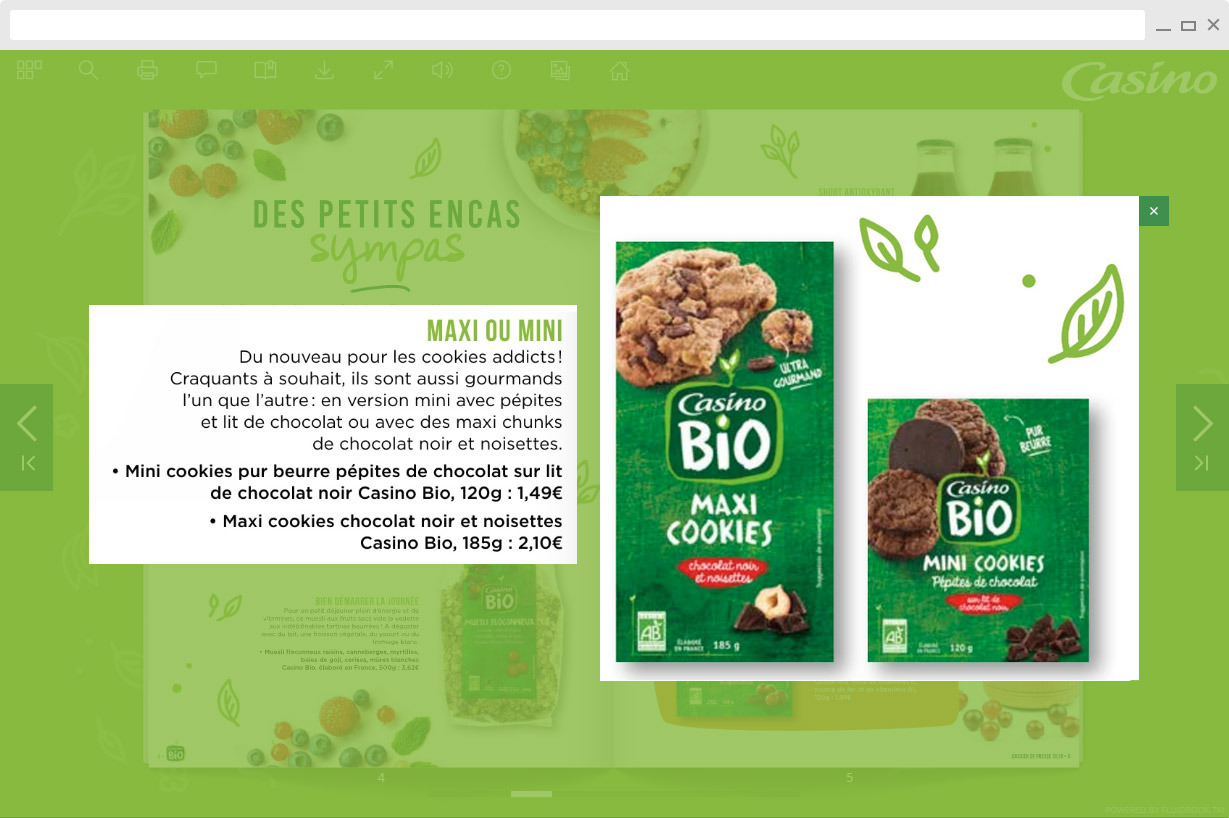
Using linked zoom areas you can bring together two areas of content which are separated on the page. This is an easy way of illustrating content that belongs together in a gamified way.
Complex illustrations with several levels of information are opened as an HD image. The learner can zoom in/out to discover al the details.






Does your company have an interactive publication project? Or for one of your clients?

Loading. Please wait...